Desktop Linux Breakdown — My Criteria and Top Distro Picks
Desktop Linux Breakdown — My Criteria and Top Distro Picks
Author: Ben
Category: Reviews & Guides
Tags: #Linux #Kubuntu #Fedora #KDEPlasma #Btrfs #Timeshift #DistroComparison
My Journey Through the Linux Ecosystem
Before jumping into my current desktop recommendations, here is a quick look at my background with Linux:
- 2010: First installed Linux (Ubuntu 10.04).
- 2015: Made the full jump to Linux as my main daily operating system.
- The Hopping Phase: Explored almost every major distribution on the market (including Arch).
- Server Infrastructure: Transitioned into managing self-hosted server setups and virtual environments.
Years of practical testing gave me a clear understanding of what works reliably—especially when setting up machines for friends, clients, or less technical users.
My 3 Non-Negotiable Desktop Requirements
When evaluating a Linux distribution for general desktop use, I measure it against three strict requirements:
1. Backed by a Stable Organization or Community
It cannot be a single-developer hobby project that could be abandoned tomorrow. There must be strict quality checks on package repositories to ensure long-term system stability.
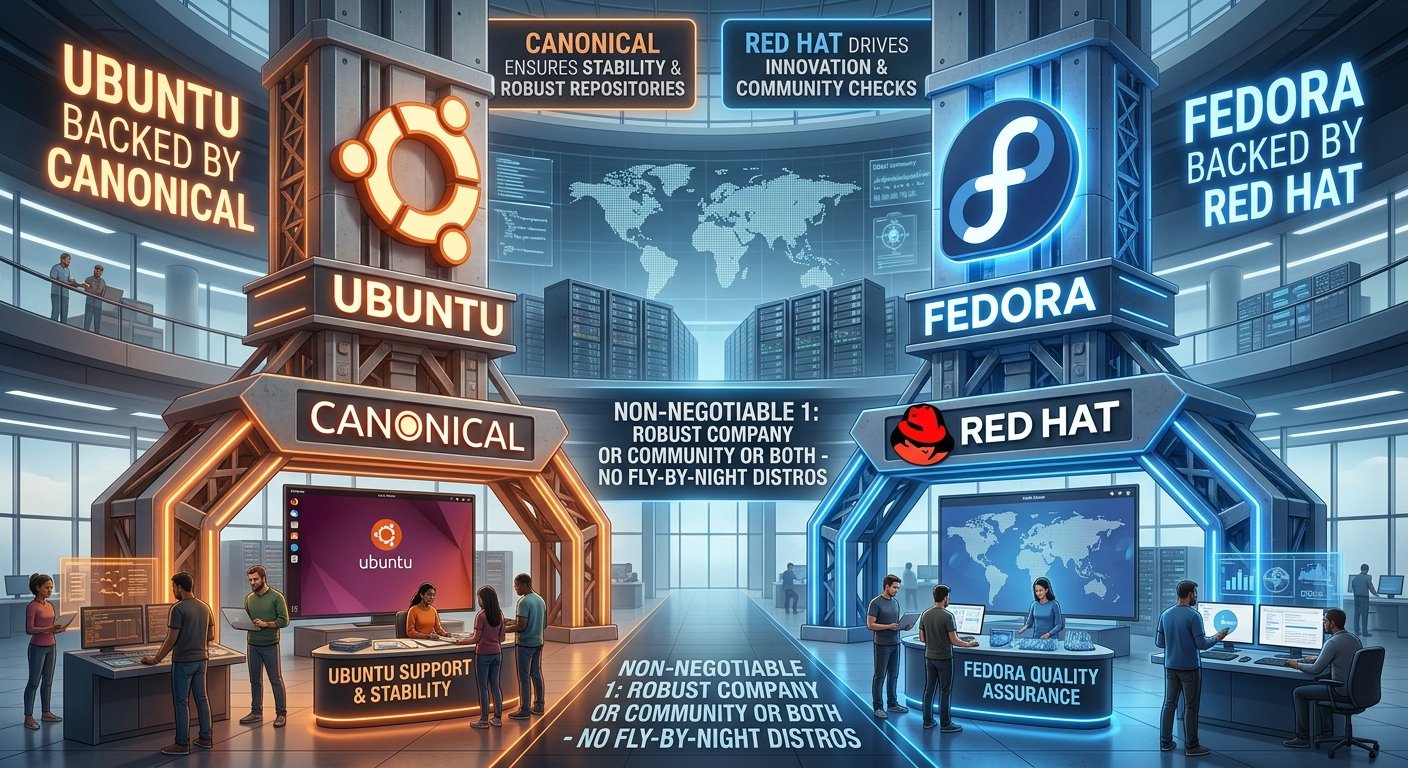 Figure 1: Distros backed by major companies and communities ensure longevity, QA, and security.
2. A Simple, Self-Explanatory User Interface
The interface must make sense out of the box. Basic navigation controls shouldn't be a puzzle. Window control buttons (minimize, maximize, close) must be present without hunting for tweaks, app launching must be obvious, and there must be an intuitive Graphical Software Center so users don't have to touch a terminal for simple software installs.
The Vanilla GNOME Navigation Problem
On vanilla GNOME (like stock Fedora Workstation), minimize and maximize buttons are missing by default. For everyday users switching from Windows, missing basic titlebar buttons creates immediate confusion.
 Figure 2: Stock Fedora GNOME lacking default minimize and maximize buttons on window titlebars.
The Ubuntu Dual Software Store Confusion
While Ubuntu adds extensions out of the box to make GNOME feel more conventional (like adding a dock and titlebar buttons), it introduces a different point of friction: running multiple software management apps. Managing applications across both the standard GNOME Software Center and a separate Snap Store can quickly become messy and confusing for non-technical users.
 Figure 3: Ubuntu running two distinct software stores side-by-side.
The KDE Discover Solution
In contrast, KDE Plasma’s Discover Software Center (featured on Kubuntu and Fedora KDE) consolidates software management into a single tool. A simple dropdown lets users choose between Flatpaks, .deb/.rpm packages, and Snaps in one place without switching apps.
 Figure 4: KDE Discover showing unified package sources (Flatpak, native deb/rpm, and Snap) in a single dropdown.
3. Integrated Snapshot and Backup Recovery
If a user changes a setting they can't figure out how to fix or installs problematic software, they need an easy way to revert. The combination of Btrfs (filesystem) + Timeshift (snapshot tool) is the gold standard here. It takes minimal storage space and allows users to roll back system states instantly.
While Ubuntu is a fantastic distribution, its default installer still makes setting up Btrfs with clean subvolumes surprisingly clumsy compared to distros like Kubuntu or Fedora that handle Btrfs natively during installation. Out-of-the-box Btrfs support is critical for handing off a system safely to an end user.
The Recommendations: Kubuntu & Fedora KDE
Applying these criteria leaves two primary distributions at the top of the list:
| Feature | Kubuntu | Fedora KDE |
|---|---|---|
| Base System | Ubuntu (LTS release cadence) | Fedora (6-month release cadence) |
| Backing | Canonical & Community | Red Hat & Community |
| Desktop Environment | KDE Plasma | KDE Plasma |
| Package Management | Discover (Native .deb / Snaps / Flatpaks) |
Discover (Native .rpm / Flatpaks) |
| Btrfs Setup | Native / Straightforward | Native / Default |
Why KDE Plasma over GNOME?
While base Ubuntu and Fedora push GNOME as their default desktop environment, GNOME often requires tweaking or extensions to achieve a standard desktop layout.
KDE Plasma works intuitively out of the box for users transitioning from other operating systems. Furthermore, Kubuntu’s Discover Software Center seamlessly handles Snaps, Flatpaks, and .deb packages in one clean graphical tool, avoiding the multi-store confusion.
Honorable Mentions
While Kubuntu and Fedora KDE are my primary picks, a few other distributions deserve recognition:
- Linux Mint & Zorin OS: Excellent Ubuntu-based alternatives with user-friendly desktop defaults.
- AlmaLinux: An enterprise-grade, RHEL-based option suited for specific stable workstations.
Pairing Kubuntu or Fedora KDE with Btrfs snapshots provides a secure, modern workstation setup. Stay tuned for future posts, where we will discuss expanding into local server deployments and home-lab management!